
Download Pianotrain – piano, music theory, sight reading, solfege, pitch detection, virtual keyboard, rhythm tolerance, circle of fifths, chord composition, random score generation
Overview
Pianotrain is a specialized mobile application designed to enhance musicians’ sight reading and solfege abilities through a structured, interactive approach. Targeted at both amateur and intermediate musicians, the app addresses the persistent challenge of developing accurate and confident reading skills without relying on rote memorization. By integrating pitch detection, microphone input, and a virtual keyboard, Pianotrain enables users to practice reading music in real time while receiving immediate feedback.
The app’s core purpose is to strengthen auditory and visual recognition of musical notation, a critical skill for performance, composition, and improvisation. It is particularly beneficial for students of classical music, music theory, and vocal training who seek to improve their ability to interpret sheet music on the fly. The app also incorporates foundational music theory concepts such as the circle of fifths and chord composition, offering users a holistic learning experience that bridges practical application with theoretical understanding.
Its unique random score generation system ensures that each practice session presents new challenges, preventing repetitive learning patterns. While the developer, Pianotrain, has not provided additional background information, the app’s long-standing presence since its release on February 22, 2013, suggests a focus on reliability and sustained utility. The app occupies a niche in the music education ecosystem by combining multiple training modalities—reading, singing, theory, and performance—into a single, accessible platform.
Key Features & Functionality
- Dual Learning Functions: Pianotrain uniquely supports both SightReading and SingReading, allowing users to develop reading skills and vocal pitch accuracy simultaneously. This dual functionality is rare in similar tools, making it ideal for musicians who want to train both their eyes and ears in unison.
- Independent Hand Training: The app allows users to practice left and right hands separately, which is essential for building coordination and addressing individual weaknesses in piano technique.
- Adjustable Rhythm Tolerance: Users can set custom rhythm tolerances, enabling the app to accept slight timing deviations. This feature supports progressive learning, allowing beginners to improve gradually without being discouraged by minor inaccuracies.
- Interactive Random Score Generation: Scores are generated dynamically using varied methods, preventing memorization and encouraging genuine reading comprehension. This feature ensures each session is fresh and mentally engaging.
- Microphone Input & Virtual Keyboard: The app uses microphone input to detect live performance, while the virtual keyboard provides tactile feedback for visual learners. Together, they create a responsive, multi-sensory training environment.
- Music Theory Integration: Built-in tools cover the circle of fifths and chord composition, helping users understand harmonic relationships and apply theory directly during practice.
For example, a user preparing for an audition can use the random score generator to simulate real-time reading under pressure. A vocal student might use the SingReading function to match pitch and rhythm while reading music aloud. The ability to isolate hand training is especially useful for practicing complex passages in isolation, improving precision and confidence.
Interface, UX & Performance
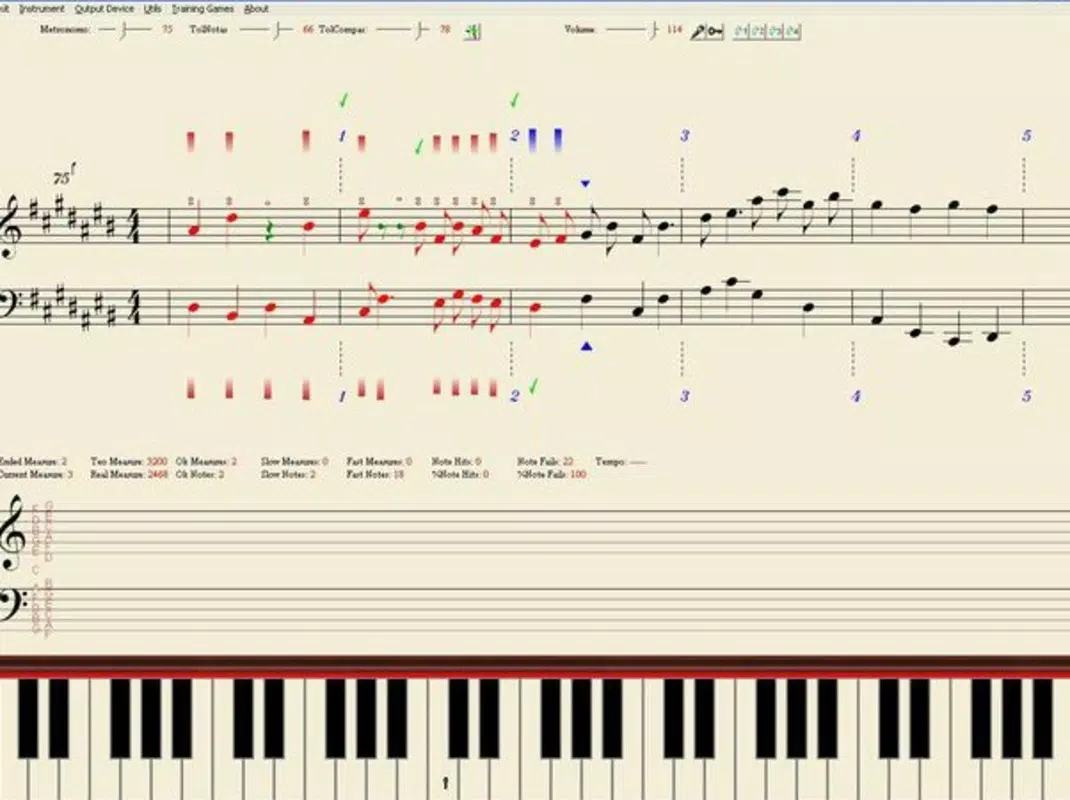
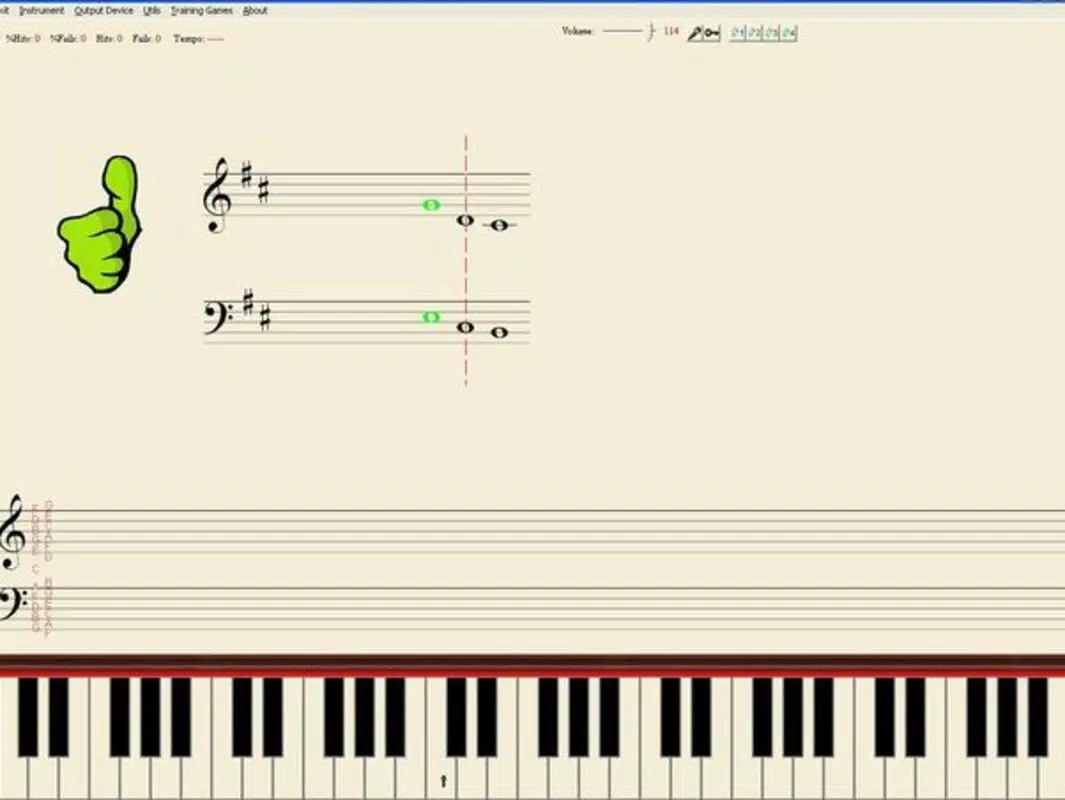
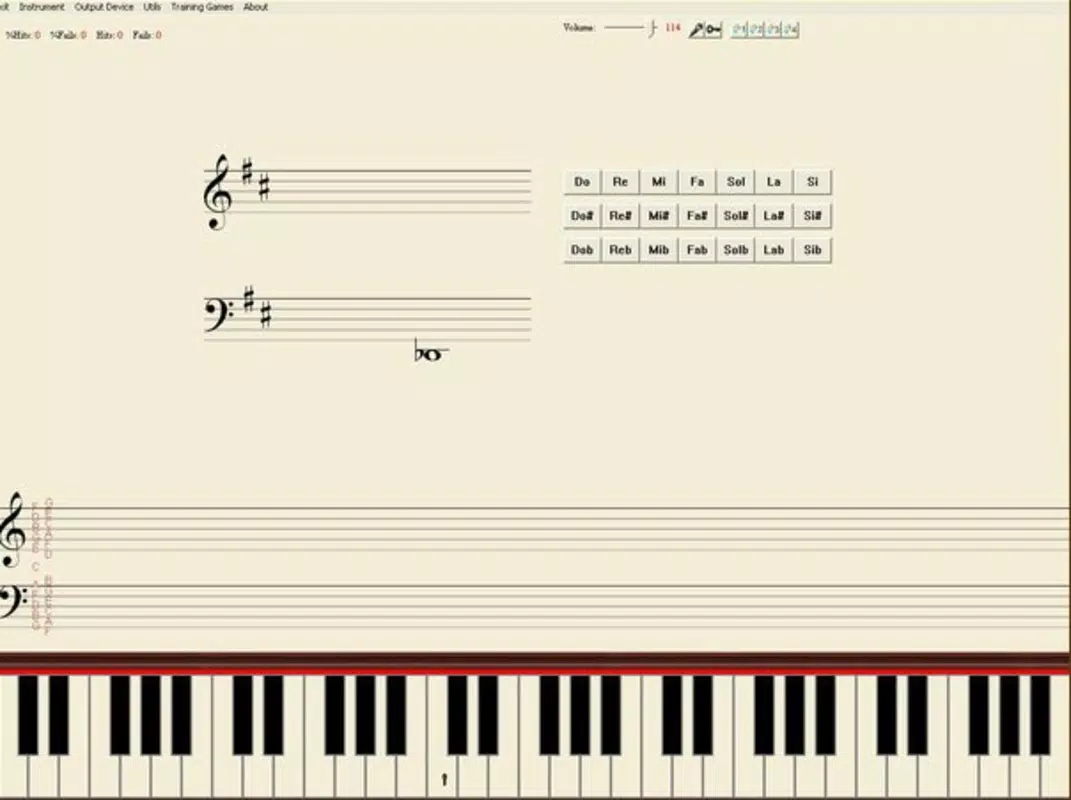
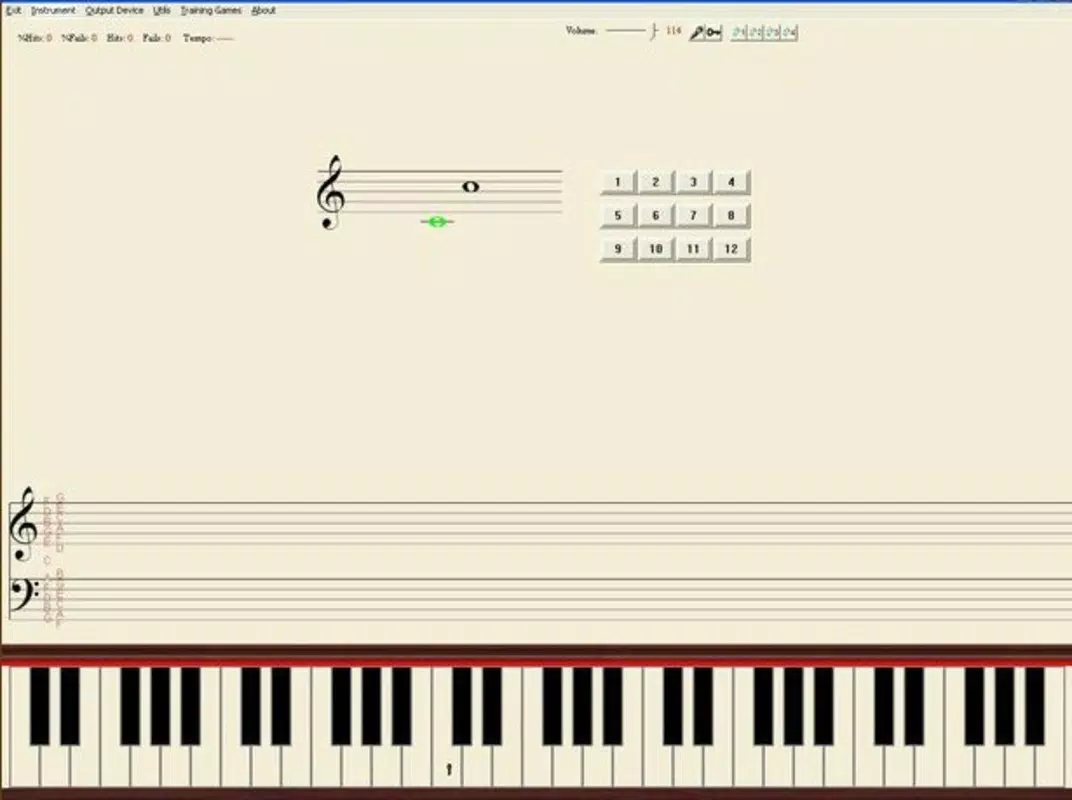
The user interface of Pianotrain is designed with functionality and clarity in mind, prioritizing ease of navigation for musicians of varying technical experience. The layout centers around a clean display of sheet music, with intuitive controls for starting, pausing, and adjusting settings. The virtual keyboard is positioned clearly below the notation, allowing users to see their input in real time.
Navigation is straightforward, with minimal on-screen clutter, which supports focused practice sessions. The app’s responsiveness appears consistent across device categories, though specific performance metrics were not provided by the developer. Users can expect smooth transitions between exercises and minimal lag during microphone input processing.
Stability is maintained through a lightweight design, with a file size of just 13.3 MB, which contributes to efficient memory usage and fast load times. Although the developer did not list formal performance metrics, the app’s long-standing availability suggests consistent reliability. The interface does not appear to require advanced technical knowledge, making it accessible to beginners while still offering depth for more experienced users.
Visual feedback is provided during performance, helping users identify pitch and timing discrepancies. Overall, the UX prioritizes usability and educational effectiveness over flashy design elements.
Platform Compatibility & Technical Requirements
Pianotrain is available exclusively on the Android platform. The current version is 1.0.1, and the app has a file size of 13.3 MB, indicating a lightweight footprint suitable for a wide range of Android devices. The developer did not specify minimum OS requirements or hardware capabilities, so compatibility with specific device models or Android versions cannot be confirmed.
Users should ensure their device supports microphone input and touch-based virtual keyboard functionality to fully utilize the app’s features. The app is free to download and install, making it accessible to a broad audience. While no updates have been documented since its initial release in 2013, the app remains functional and relevant due to its core educational design.
It is recommended that users check their device’s compatibility with older Android versions if they plan to install the app on legacy systems. For those seeking a secure, lightweight tool for music training, Pianotrain offers a stable foundation despite its age.
Pros and Cons
Pros
- Offers dual functionality in sight reading and solfege training.
- Supports independent hand practice for improved technique.
- Features adjustable rhythm tolerance for personalized learning.
- Generates random scores to prevent memorization and promote reading skills.
- Integrates essential music theory concepts like the circle of fifths and chord composition.
- Uses microphone input and virtual keyboard for interactive practice.
- Lightweight size (13.3 MB) ensures efficient performance on older devices.
- Completely free to download and use.
Cons
- Version 1.0.1 has not been updated since 2013, raising concerns about modern compatibility.
- Developer did not provide OS or hardware requirements.
- No visible update history or roadmap for future improvements.
- Interface may appear dated compared to modern music apps.
- Limited visual feedback options for performance accuracy.
- No cloud sync or progress tracking features documented.
FAQ
Is Pianotrain safe to download and install?
Yes, Pianotrain is free and available through official Android channels. The app’s file size is small and consistent with standard music training tools. As with any app, users should ensure they download from trusted sources to maintain security.
Can I use Pianotrain without a microphone?
While the app supports microphone input, it may still function with the virtual keyboard alone. However, full functionality—especially for SingReading and pitch detection—requires microphone access.
Is Pianotrain compatible with iOS devices?
No, the app is currently only available for Android. There is no official iOS version listed in the provided data.
Does Pianotrain require an internet connection?
No, the app operates offline. All features, including score generation and pitch detection, function without an internet connection.
Can I track my progress over time?
The developer did not provide information on progress tracking or data retention. Users may need to manually record their performance improvements.
Final Thoughts
Pianotrain stands as a dedicated, no-frills tool for musicians aiming to sharpen their sight reading and solfege skills. Its unique combination of dual training modes, adjustable rhythm tolerance, and random score generation offers a refreshing alternative to rote practice. Despite its age and lack of recent updates, the app’s lightweight design and free access make it a valuable resource for students and educators alike.
The integration of music theory concepts enhances its educational depth, providing context beyond mere technique. While the interface may feel outdated and compatibility with newer devices is uncertain, the core functionality remains intact. For anyone seeking a focused, theory-informed approach to reading music, Pianotrain delivers consistent value.
Its ability to train both hands independently and respond to real-time input through microphone and virtual keyboard sets it apart in the music education space. Download Pianotrain now and begin building stronger, more confident reading skills today.


